O3DX Steam Gift

$1,400.71

Description

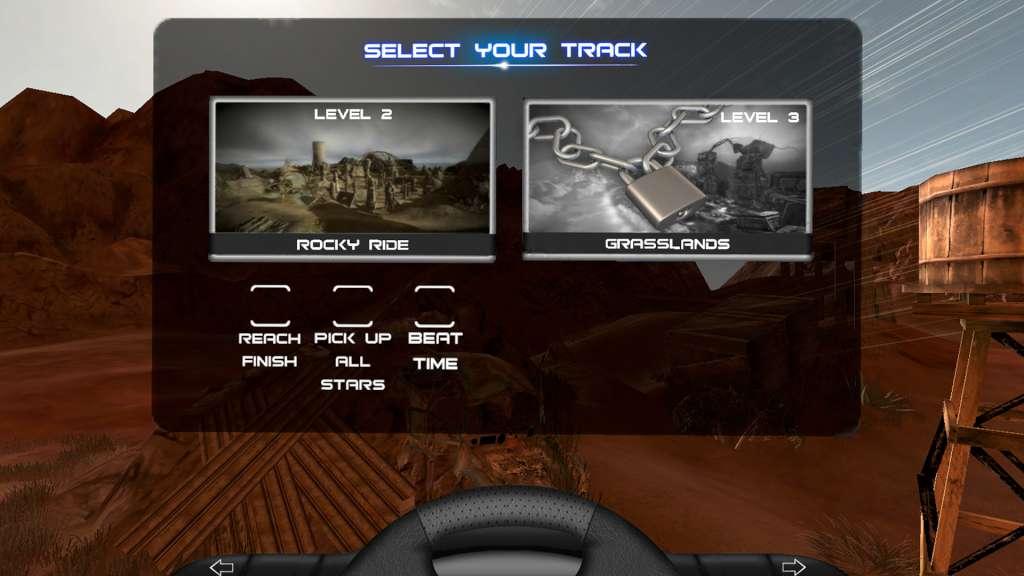
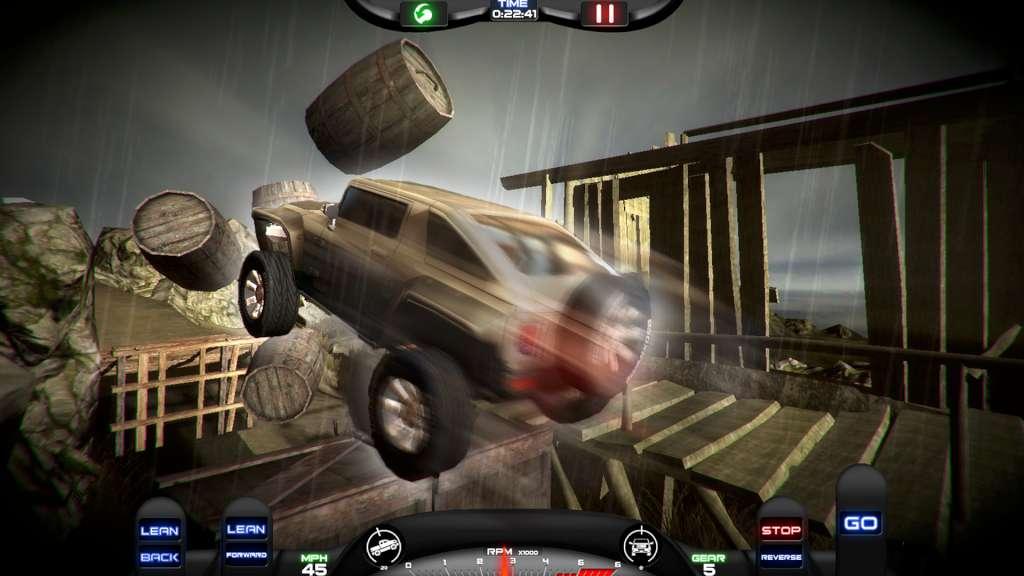
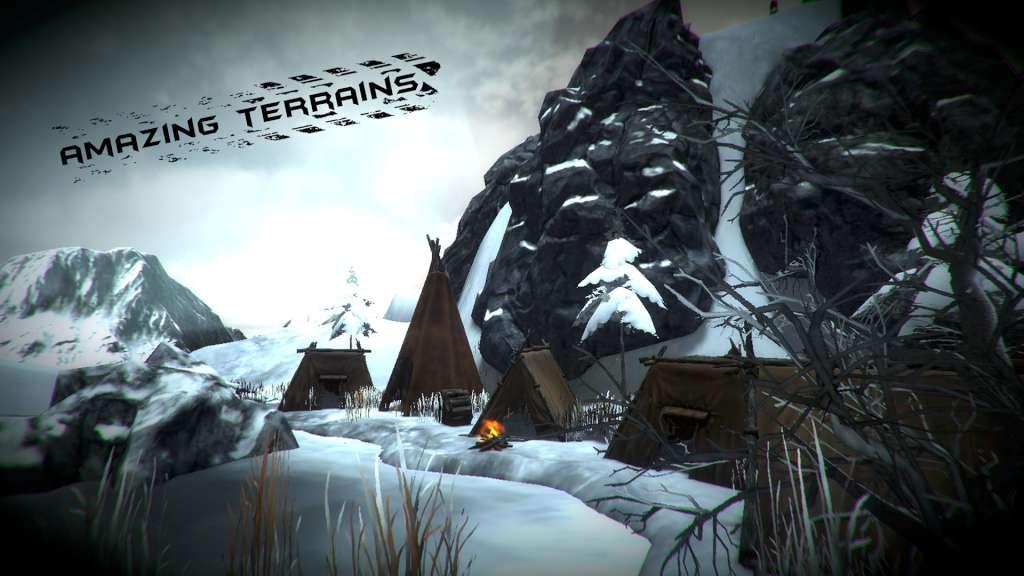
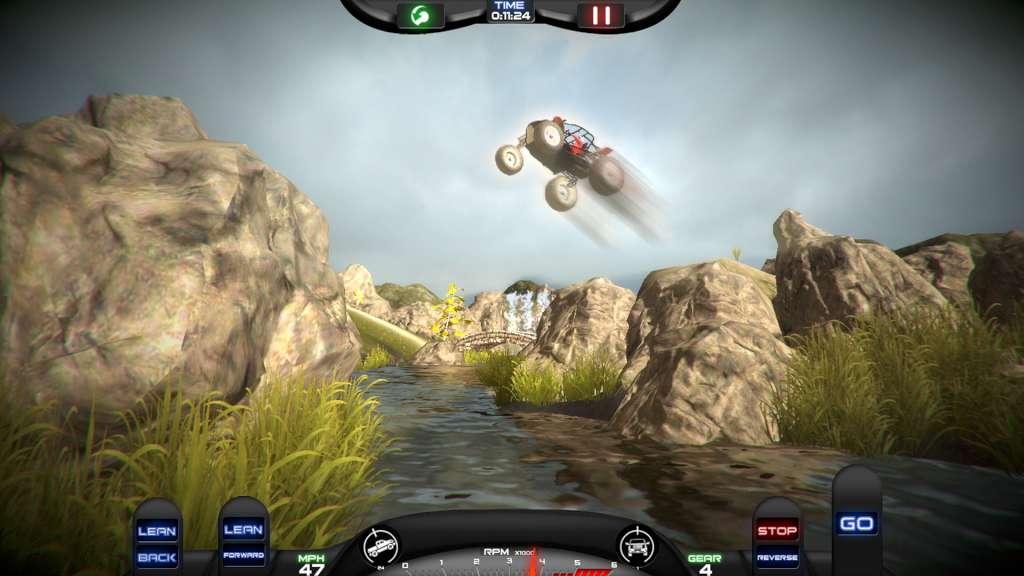
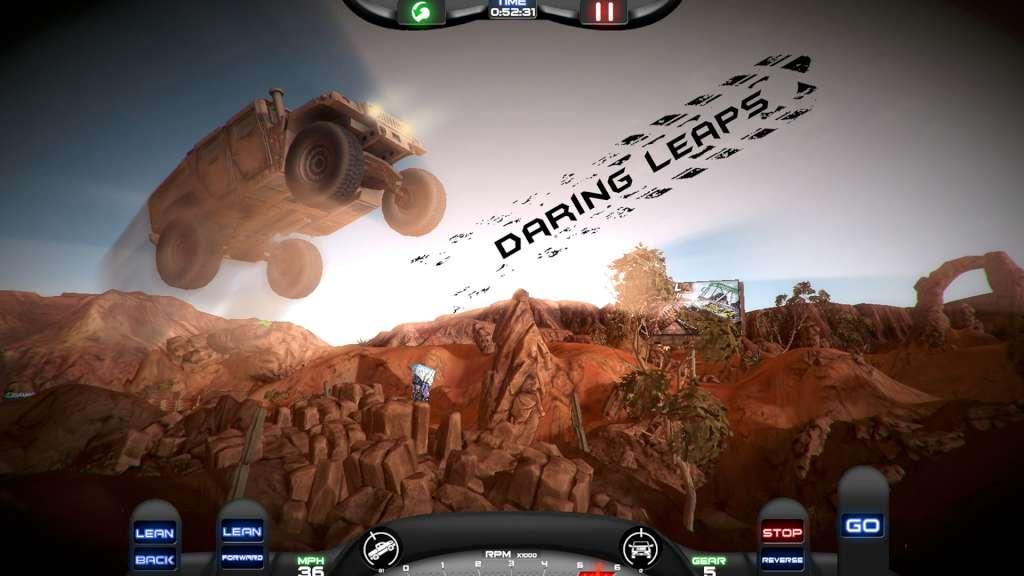
O3DX Steam Gift Platform: Steam Release Date: 22/01/2016 Product Description From the dusty chasms of the underground 4×4 world, comes an adventure unlike anything you have experienced before. Prepare yourself for fast tracks, furious physics and a rush of adrenaline as you tackle daring obstacles and puzzles. O3DX will be the ride of your life! Features Easy controls. Ridiculously Realistic physics! Spectacular graphics! Classic 4×4 vehicles, Military Off road Vehicles, Modern sporty all terrain vehicles and more. More level packs in development for non-stop entertainment. Plug and play Xbox 360 controller support System Requirements PC System Requirements OS: Windows Vista SP2 or Windows 7 Processor: Intel Core®2 Duo E6700 @ 2.6 GHz or AMD Athlon64 X2 6000+ @ 3.0Ghz Memory: 2 GB RAM Graphics: DirectX® 10 compliant, 512 Mb video memory DirectX: Version 11 Storage: 2 GB available space Sound Card: DirectX 9.0c compatible Mac System Requirements OS: OS X Lion Version 10.7 Processor: 2.5GHz dual-core Intel Core i5 Memory: 2 GB RAM Graphics: Intel HD Graphics 4000 Storage: 2 GB available space

Additional information

Genres

Action, Indie, Racing

Platform

Steam

Languages

English

Steam Yes
Regional limitations 3

Reviews

There are no reviews yet.

Be the first to review “O3DX Steam Gift”

Your email address will not be published. Required fields are marked *

"Please remember that we are NOT responsible for any problems that may arise from purchasing and using Steam Gifts. You are doing it at your own risk. "Please note, that due to recent Valve https://support.steampowered.com/kb_article.php?ref=1327-WUJX-5722 Steam Gifts for games that are covered by VAC ban program can no longer be added to Inventory. Make sure that you are logged in to the proper account before entering the link as Steam Gifts can be only added to your library or rejected. How do I use a Steam gift given to me? If you do not already have Steam, download and install Steam http://store.steampowered.com/about/. Once you have Steam installed, you will be prompted to create an account or login to an existing Steam account. If you do not have an account, please create one. You will receive an e-mail containing a link that will open Steam allowing you to redeem your gift. After clicking the link, you will receive a notification at the top right corner in the Steam client informing that you have a new gift.

1 in stock

O3DX Steam Gift

$1,400.71

Description

O3DX Steam Gift Platform: Steam Release Date: 22/01/2016 Product Description From the dusty chasms of the underground 4×4 world, comes an adventure unlike anything you have experienced before. Prepare yourself for fast tracks, furious physics and a rush of adrenaline as you tackle daring obstacles and puzzles. O3DX will be the ride of your life! Features Easy controls. Ridiculously Realistic physics! Spectacular graphics! Classic 4×4 vehicles, Military Off road Vehicles, Modern sporty all terrain vehicles and more. More level packs in development for non-stop entertainment. Plug and play Xbox 360 controller support System Requirements PC System Requirements OS: Windows Vista SP2 or Windows 7 Processor: Intel Core®2 Duo E6700 @ 2.6 GHz or AMD Athlon64 X2 6000+ @ 3.0Ghz Memory: 2 GB RAM Graphics: DirectX® 10 compliant, 512 Mb video memory DirectX: Version 11 Storage: 2 GB available space Sound Card: DirectX 9.0c compatible Mac System Requirements OS: OS X Lion Version 10.7 Processor: 2.5GHz dual-core Intel Core i5 Memory: 2 GB RAM Graphics: Intel HD Graphics 4000 Storage: 2 GB available space

Additional information

Genres

Action, Indie, Racing

Platform

Steam

Languages

English

Steam Yes
Regional limitations 3

Reviews

There are no reviews yet.

Be the first to review “O3DX Steam Gift”

Your email address will not be published. Required fields are marked *

"Please remember that we are NOT responsible for any problems that may arise from purchasing and using Steam Gifts. You are doing it at your own risk. "Please note, that due to recent Valve https://support.steampowered.com/kb_article.php?ref=1327-WUJX-5722 Steam Gifts for games that are covered by VAC ban program can no longer be added to Inventory. Make sure that you are logged in to the proper account before entering the link as Steam Gifts can be only added to your library or rejected. How do I use a Steam gift given to me? If you do not already have Steam, download and install Steam http://store.steampowered.com/about/. Once you have Steam installed, you will be prompted to create an account or login to an existing Steam account. If you do not have an account, please create one. You will receive an e-mail containing a link that will open Steam allowing you to redeem your gift. After clicking the link, you will receive a notification at the top right corner in the Steam client informing that you have a new gift.

1 in stock

Championsu2019 Choice

Fan Favorites

Winning Zone

Championsu2019 Choice

NBA 2K23 Michael Jordan Edition

SPORT

EA SPORTS FC 25

SPORT

Fan Favorites

F1 24 Champions
Edition

SPORT

Rocket League

SPORT

Winning Zone

WWE 2K20

SPORT

WWE 2K22

SPORT