Adobe Premiere Elements 2024 for Windows CD Key

$103.41

Description

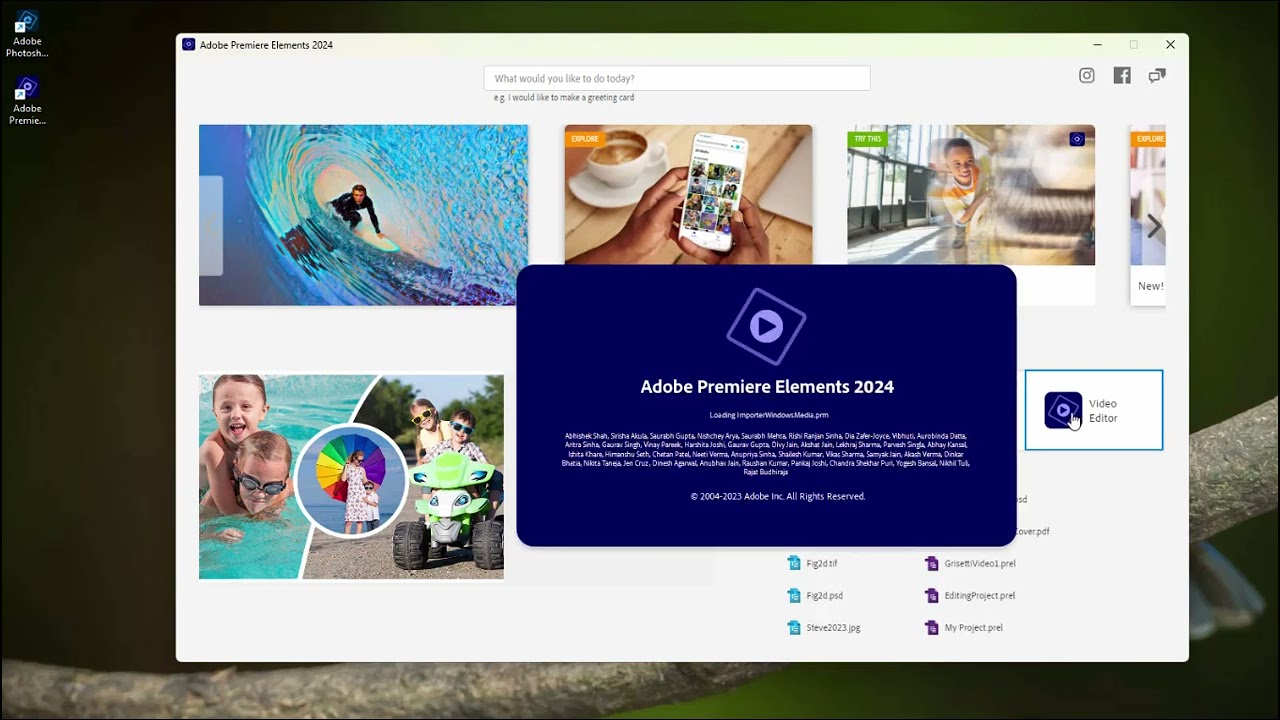
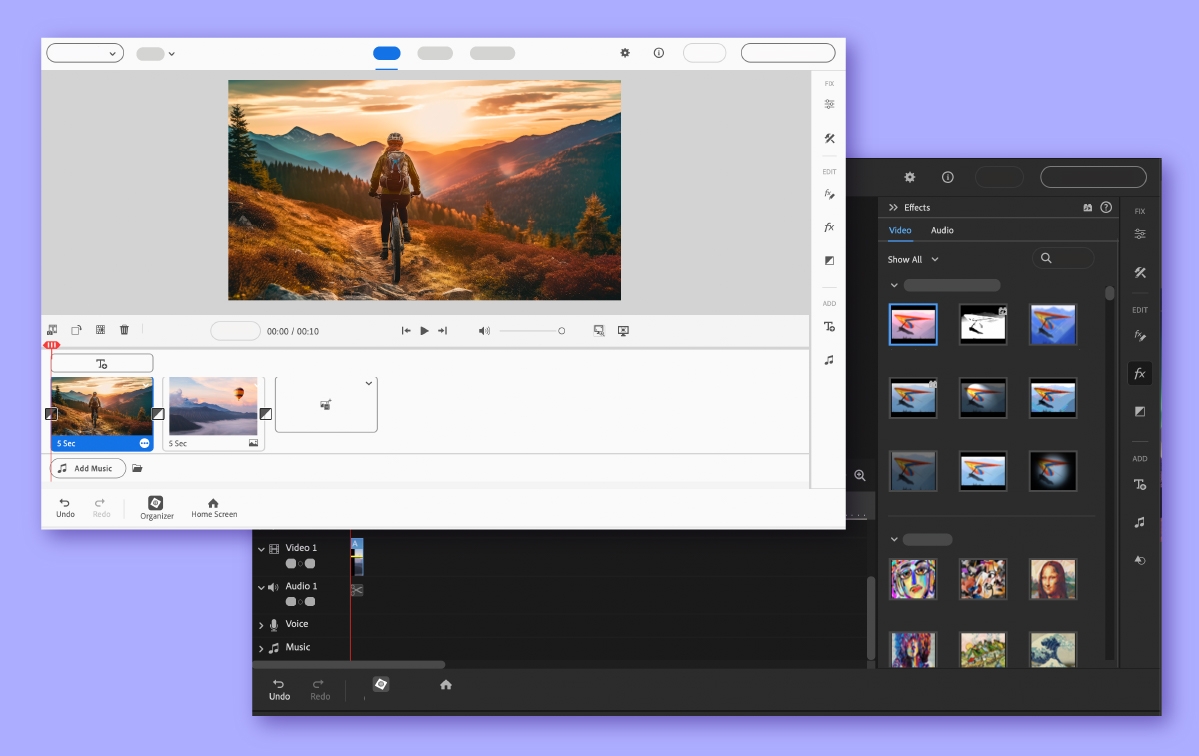
Premiere Elements 2024 Cinematic videos. In an instant. AI, automation, and a refreshed look make video editing easy. Refreshed. Redesigned. Ready for creativity. Now you can automatically match the color and tone of any video or photo, quickly turn your clips into Highlight Reels, and much more. Embellish your videos with fan favorites. Fine-tune the details or give your videos a whole new look with these popular options for easy video edits. Edit with the power of AI. Adobe Sensei AI and automated options do the heavy lifting so you can focus on the fun stuff. Grow your skills with Guided Edits. Make quick fixes, cinematic effects, and fun animations with 26 step-by-step Guided Edits. Kick-start your creativity with templates. Showcase your best scenes in Highlight Reels, slideshows, collages, motion titles, and animated social posts. Do more on the go. Access, view, and share your photos & videos with Elements web and mobile companion apps. Find photos & videos fast. Effortlessly organize your videos with automatic sorting and backup, and find videos fast with auto-tagging, curation, and face recognition.

Additional information

Genres

Software

Platform

Other

Languages

Czech, Dutch, English, French, German, Italian, Japanese, Polish, Spanish, Swedish

Regional limitations 3

Reviews

There are no reviews yet.

Be the first to review “Adobe Premiere Elements 2024 for Windows CD Key”

Your email address will not be published. Required fields are marked *

Windows
Intel 6th Generation or newer processor or AMD equivalent with SSE4.2 support Microsoft Windows 10 (version 22H2) or Windows 11 (version 23H2), 64-bit versions only; Windows 7, Windows 8.1 not supported 8 GB of RAM 15 GB of available hard-disc space to install application; additional space required for downloading online content and for temporary files during product installation and usage (cannot install on a volume that uses a case-sensitive file system or on removable flash storage devices) 1440 x 900 display resolution (at 100% scale factor) Microsoft DirectX 12 compatible sound and display driver Windows Media Player (required if importing Windows Media files)
Visit https://www.adobe.com/go/getserial. Sign in or create an Adobe ID. Enter the redemption code, and then click Redeem. Make a note of the displayed serial number. Download the installer from here: https://helpx.adobe.com/content/dam/help/en/download-install/kb/premiere-elements-downloads/jcr_content/root/content/flex/items/position/position-par/download_section_127/download-1/PremiereElements_2024_LS31_win64.zip Enter the serial number when prompted during installation. Save the redemption code for future access to your serial number in case you require to reinstall the software. Please note, that both a serial number and a redemption code have 24 elements. However, a serial number has 24 digits, while a redemption code has 24 alphanumeric digits. Make sure to redeem the correct code in the correct place!


2 in stock

Adobe Premiere Elements 2024 for Windows CD Key

$103.41

Description

Premiere Elements 2024 Cinematic videos. In an instant. AI, automation, and a refreshed look make video editing easy. Refreshed. Redesigned. Ready for creativity. Now you can automatically match the color and tone of any video or photo, quickly turn your clips into Highlight Reels, and much more. Embellish your videos with fan favorites. Fine-tune the details or give your videos a whole new look with these popular options for easy video edits. Edit with the power of AI. Adobe Sensei AI and automated options do the heavy lifting so you can focus on the fun stuff. Grow your skills with Guided Edits. Make quick fixes, cinematic effects, and fun animations with 26 step-by-step Guided Edits. Kick-start your creativity with templates. Showcase your best scenes in Highlight Reels, slideshows, collages, motion titles, and animated social posts. Do more on the go. Access, view, and share your photos & videos with Elements web and mobile companion apps. Find photos & videos fast. Effortlessly organize your videos with automatic sorting and backup, and find videos fast with auto-tagging, curation, and face recognition.

Additional information

Genres

Software

Platform

Other

Languages

Czech, Dutch, English, French, German, Italian, Japanese, Polish, Spanish, Swedish

Regional limitations 3

Reviews

There are no reviews yet.

Be the first to review “Adobe Premiere Elements 2024 for Windows CD Key”

Your email address will not be published. Required fields are marked *

Windows
Intel 6th Generation or newer processor or AMD equivalent with SSE4.2 support Microsoft Windows 10 (version 22H2) or Windows 11 (version 23H2), 64-bit versions only; Windows 7, Windows 8.1 not supported 8 GB of RAM 15 GB of available hard-disc space to install application; additional space required for downloading online content and for temporary files during product installation and usage (cannot install on a volume that uses a case-sensitive file system or on removable flash storage devices) 1440 x 900 display resolution (at 100% scale factor) Microsoft DirectX 12 compatible sound and display driver Windows Media Player (required if importing Windows Media files)
Visit https://www.adobe.com/go/getserial. Sign in or create an Adobe ID. Enter the redemption code, and then click Redeem. Make a note of the displayed serial number. Download the installer from here: https://helpx.adobe.com/content/dam/help/en/download-install/kb/premiere-elements-downloads/jcr_content/root/content/flex/items/position/position-par/download_section_127/download-1/PremiereElements_2024_LS31_win64.zip Enter the serial number when prompted during installation. Save the redemption code for future access to your serial number in case you require to reinstall the software. Please note, that both a serial number and a redemption code have 24 elements. However, a serial number has 24 digits, while a redemption code has 24 alphanumeric digits. Make sure to redeem the correct code in the correct place!

2 in stock

Championsu2019 Choice

Fan Favorites

Winning Zone

Championsu2019 Choice

NBA 2K23 Michael Jordan Edition

SPORT

EA SPORTS FC 25

SPORT

Fan Favorites

F1 24 Champions
Edition

SPORT

Rocket League

SPORT

Winning Zone

WWE 2K20

SPORT

WWE 2K22

SPORT