Description
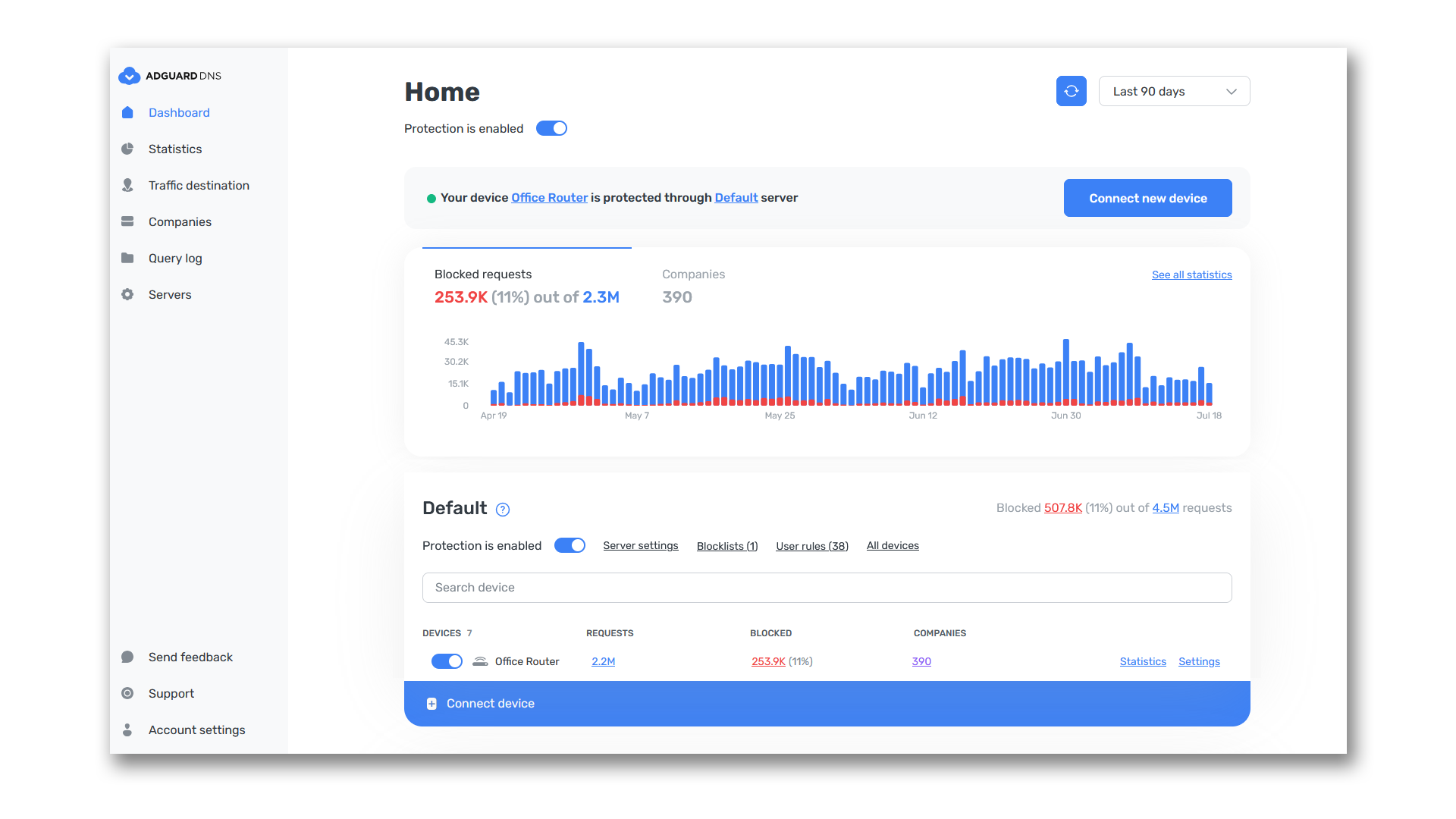
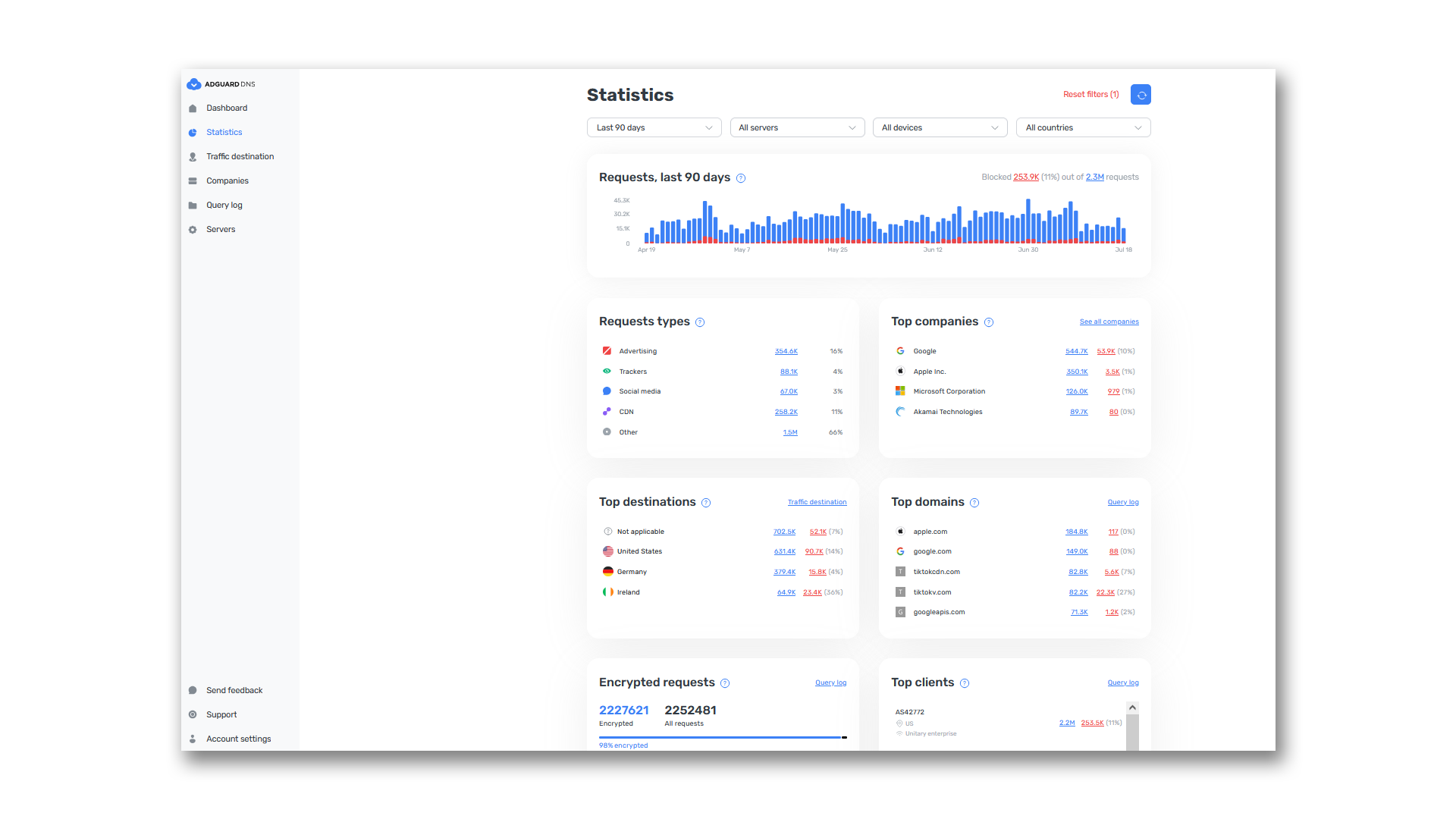
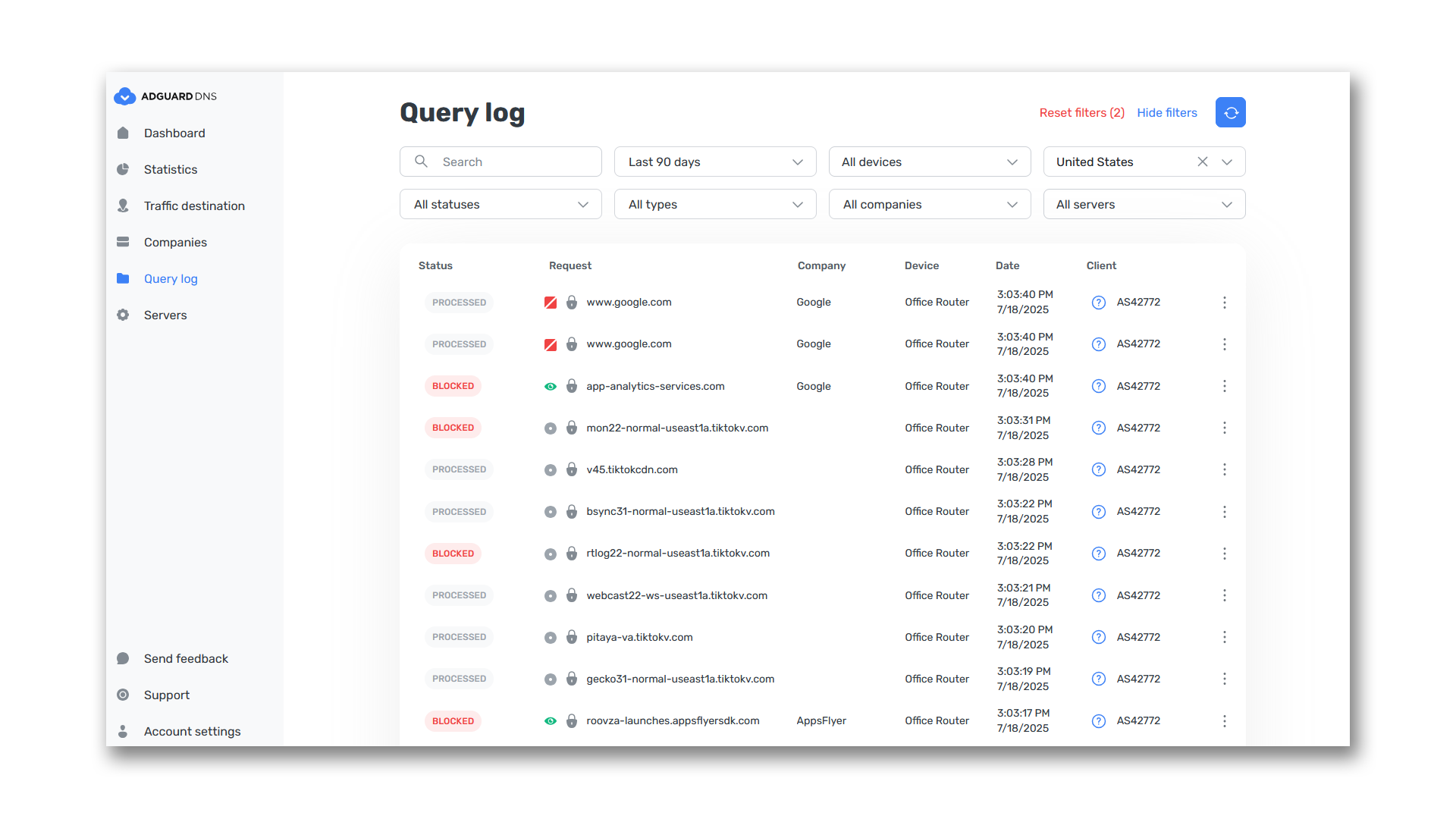
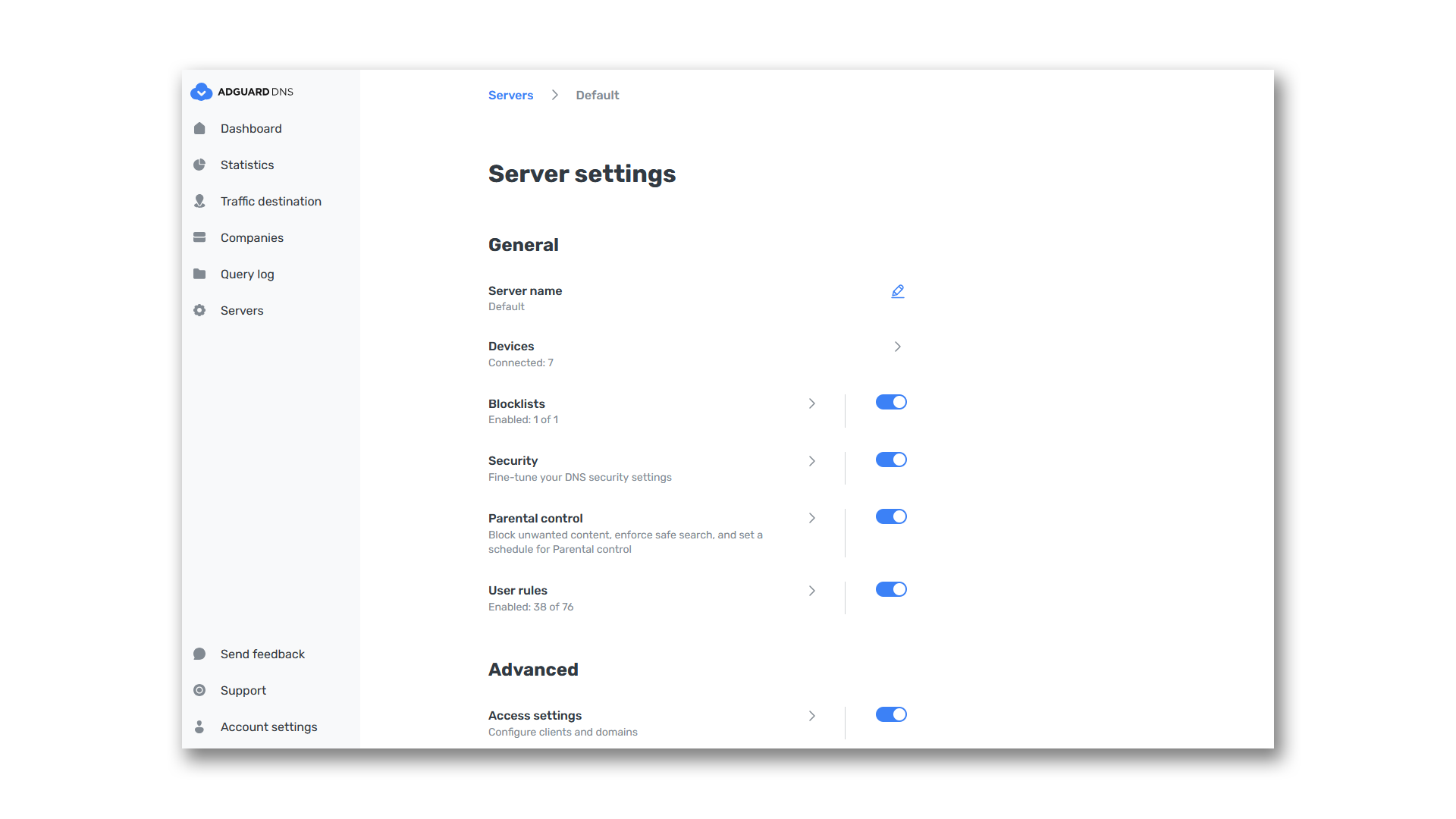
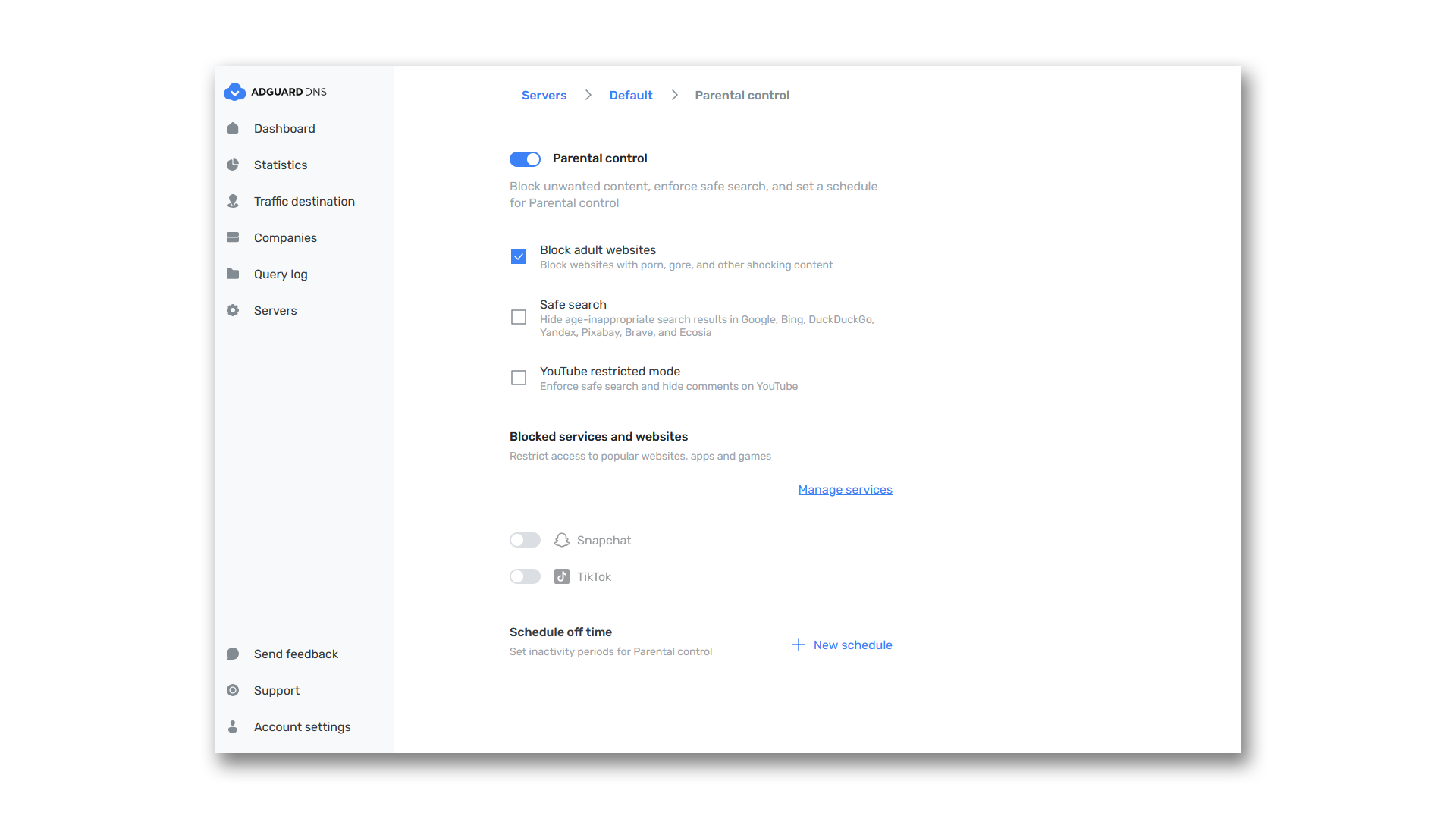
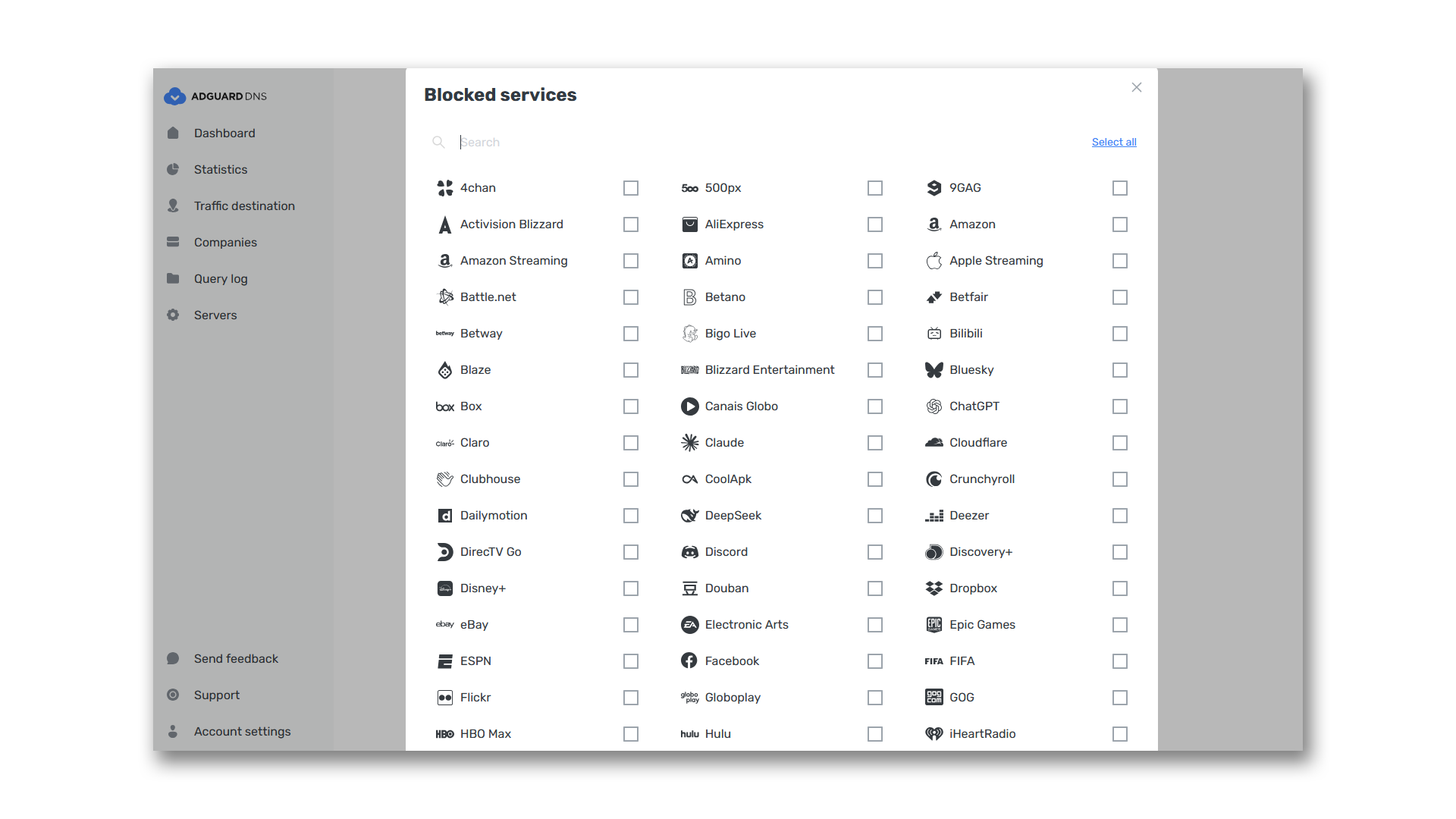
Control all web traffic on your devices, and block ads, trackers, and malicious domains. Make the Internet safe for everyone at home or at work. Features Ad blockingAdGuard DNS uses powerful filters to eliminate ads and trackers on every connected device. Trust our default filters, block domains manually, or do both: it’s up to you. Parental ControlKeep your children safe online: shield them from adult content on websites, search results, or YouTube. Decide which sites should be blocked and when. For example, stop your children from using social media during their homework. Stats at your fingertipsGet real-time stats on DNS requests of all devices. For each device, see to which sites it tried to connect, which requests got blocked, and when, and change DNS filtering rules on the fly. View stats by date, country, or device, or switch to a bird’s eye view. Customized filteringUse our private DNS server and decide which domains should be blocked or allowed on each of your devices. Connect your computer, smartphone, tablet, or router and manage their DNS queries as you see fit
Step 1: Activate Your Key in Your AdGuard Account First, you need to bind your license key to your AdGuard account. This will allow you to easily manage your subscription. Go to your AdGuard account: auth.adguard.com/login.html If you don't have an account, create one using your email address. If you created an account earlier, log in to it. Inside your account, open the “Licenses” section. Click “Bind license” and enter your key. Once this is done, your AdGuard DNS subscription will be activated. Step 2: Set Up Your Personal DNS Server and Connect Devices Now that your subscription is active, you can proceed with setup: Open the https://adguard-dns.io/en/dashboard/ and log in using the same AdGuard account. Click “Connect device” and choose your platform (Android, iOS, Windows, etc.). Follow the easy instructions to set up your device. Explore All AdGuard DNS Features To use AdGuard DNS to its fullest, learn about all of its features (like statistics, parental controls, flexible rules), and to get simple step-by-step guides for setting up servers and devices, visit AdGuard’s https://adguard-dns.io/kb



















Reviews
There are no reviews yet.