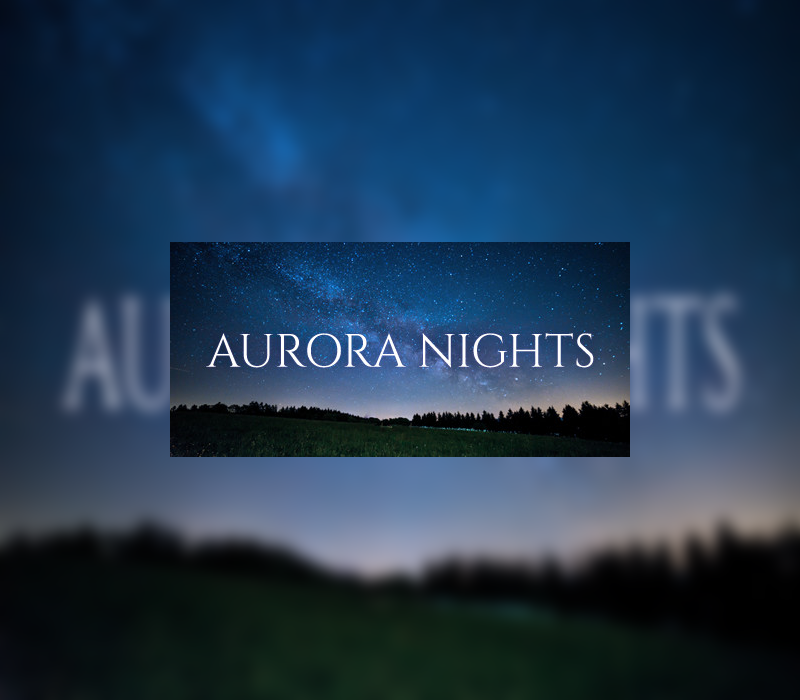
Aurora Nights Steam Gift

$345.85

Description

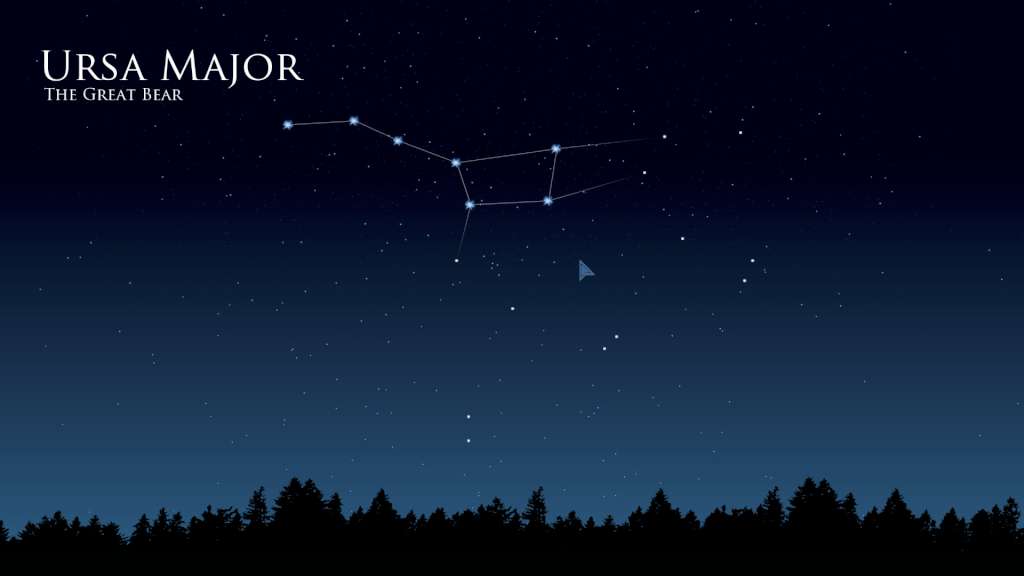
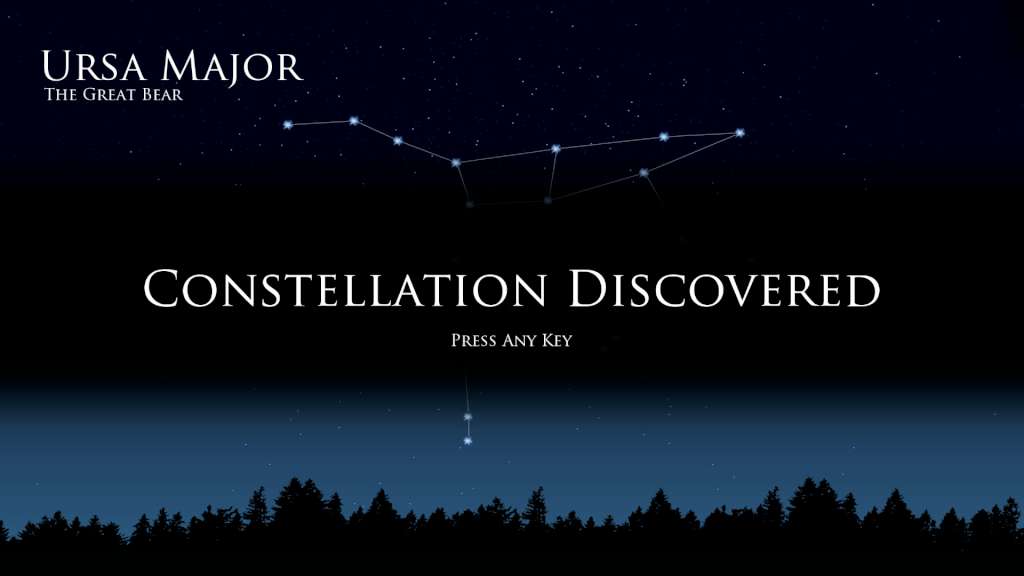
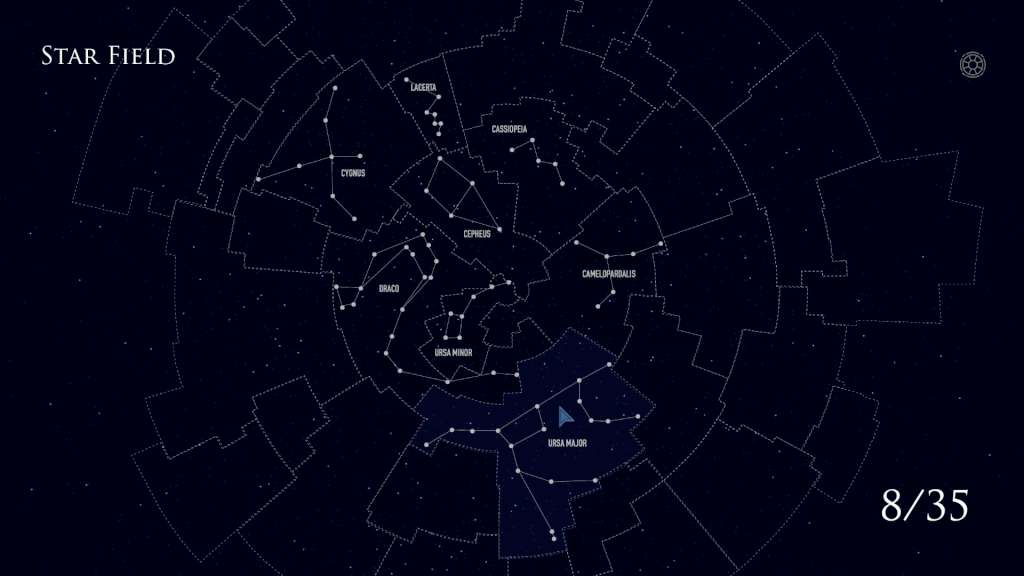
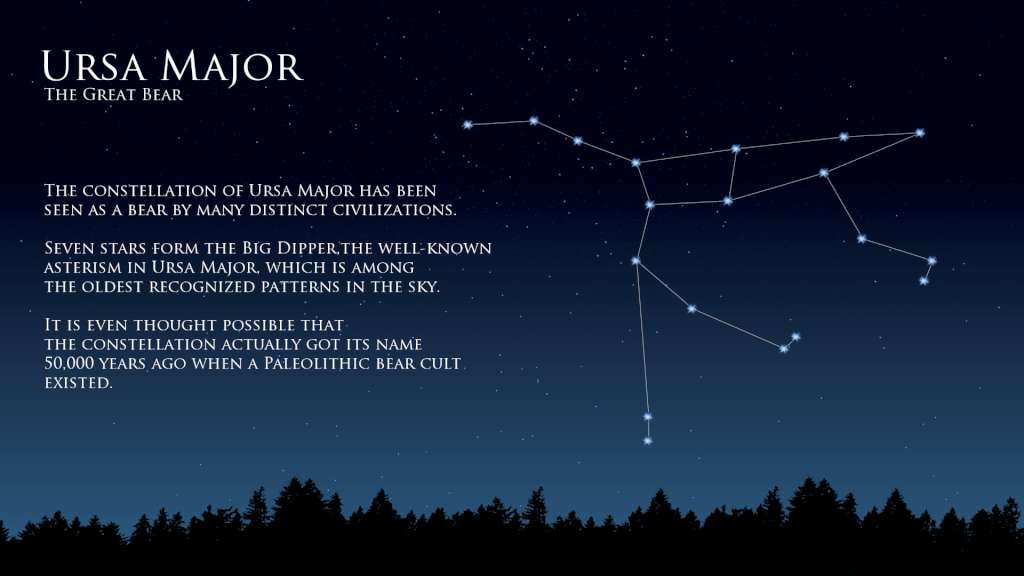
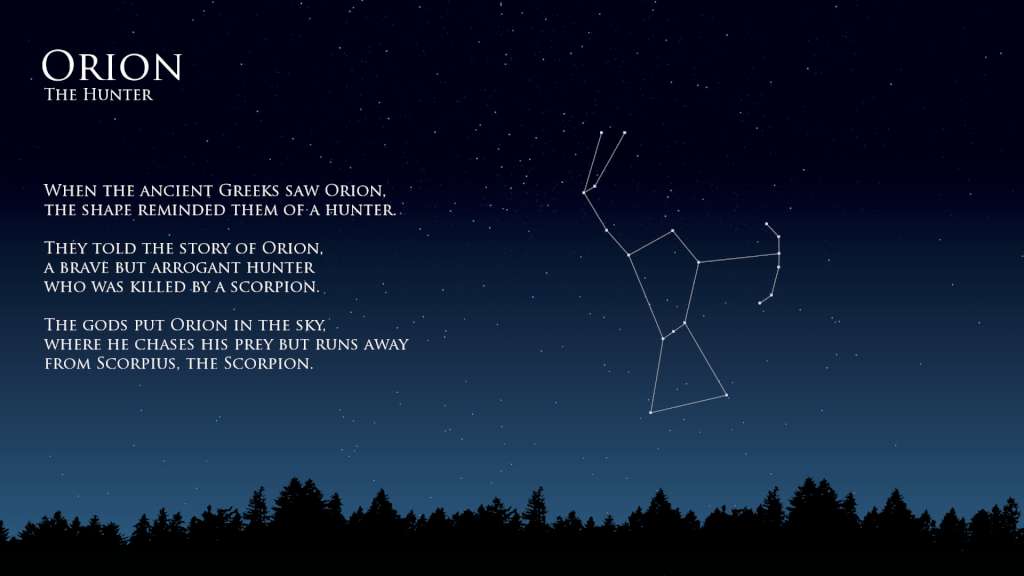
Aurora Nights is an entertaining educational game for learning to identify the constellations. In Aurora Nights, you need to connect stars in the individual constellations to discover them on the global star field and learn facts and myths behind them. Have you ever wanted to be able to find the constellations in the night sky? With the help of spaced repetition (a learning technique that incorporates review of previously learned material), you’ll be able to recognize different constellations, and a bit of practice would help you to find those constellations in the sky. If you just love astronomy and stars, or find it interesting that the earliest depiction that has been linked to the constellation of Orion is a prehistoric mammoth ivory carving that was discovered in a cave in the Ach valley in Germany in 1979, then you’ll enjoy the game. Features: Discover the 35 constellations of the Northern Hemisphere; Mini encyclopedia of constellations facts and myths; Get three stars on each constellation in order to remember them; Steam Achievements and Trading Cards.

Additional information

Developers

Vladimir Maslov

Publishers

Vladimir Maslov

Genres

Casual, Indie

Platform

Steam

Languages

English, Russian

Release date 2016-05-26
Steam Yes
Regional limitations 3

Reviews

There are no reviews yet.

Be the first to review “Aurora Nights Steam Gift”

Your email address will not be published. Required fields are marked *

Windows
Minimum: OS: Windows XP/Vista/7/8/10 Processor: 1.4+ GHz Memory: 512 MB RAM Graphics: Intel GMA 500/NVIDIA GeForce 6200 or equivalent Storage: 100 MB available space
Go to: http://store.steampowered.com/ and download STEAM client Click "Install Steam" (from the upper right corner) Install and start application, login with your Account name and Password (create one if you don't have). Please follow these instructions to activate a new retail purchase on Steam: Launch Steam and log into your Steam account. Click the Games Menu. Choose Activate a Product on Steam... Follow the onscreen instructions to complete the process. After successful code verification go to the "MY GAMES" tab and start downloading.

1 in stock

Aurora Nights Steam Gift

$345.85

Description

Aurora Nights is an entertaining educational game for learning to identify the constellations. In Aurora Nights, you need to connect stars in the individual constellations to discover them on the global star field and learn facts and myths behind them. Have you ever wanted to be able to find the constellations in the night sky? With the help of spaced repetition (a learning technique that incorporates review of previously learned material), you’ll be able to recognize different constellations, and a bit of practice would help you to find those constellations in the sky. If you just love astronomy and stars, or find it interesting that the earliest depiction that has been linked to the constellation of Orion is a prehistoric mammoth ivory carving that was discovered in a cave in the Ach valley in Germany in 1979, then you’ll enjoy the game. Features: Discover the 35 constellations of the Northern Hemisphere; Mini encyclopedia of constellations facts and myths; Get three stars on each constellation in order to remember them; Steam Achievements and Trading Cards.

Additional information

Developers

Vladimir Maslov

Publishers

Vladimir Maslov

Genres

Casual, Indie

Platform

Steam

Languages

English, Russian

Release date 2016-05-26
Steam Yes
Regional limitations 3

Reviews

There are no reviews yet.

Be the first to review “Aurora Nights Steam Gift”

Your email address will not be published. Required fields are marked *

Windows
Minimum: OS: Windows XP/Vista/7/8/10 Processor: 1.4+ GHz Memory: 512 MB RAM Graphics: Intel GMA 500/NVIDIA GeForce 6200 or equivalent Storage: 100 MB available space
Go to: http://store.steampowered.com/ and download STEAM client Click "Install Steam" (from the upper right corner) Install and start application, login with your Account name and Password (create one if you don't have). Please follow these instructions to activate a new retail purchase on Steam: Launch Steam and log into your Steam account. Click the Games Menu. Choose Activate a Product on Steam... Follow the onscreen instructions to complete the process. After successful code verification go to the "MY GAMES" tab and start downloading.

1 in stock

Championsu2019 Choice

Fan Favorites

Winning Zone

Championsu2019 Choice

NBA 2K23 Michael Jordan Edition

SPORT

EA SPORTS FC 25

SPORT

Fan Favorites

F1 24 Champions
Edition

SPORT

Rocket League

SPORT

Winning Zone

WWE 2K20

SPORT

WWE 2K22

SPORT