SONY VEGAS Pro 15 Edit CD Key

$229.07

Description

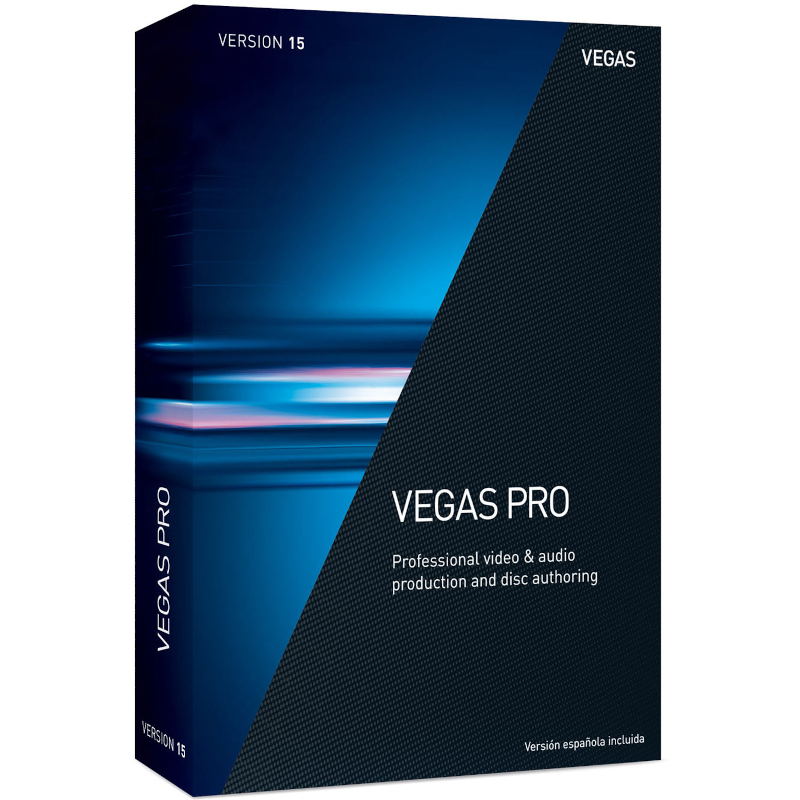
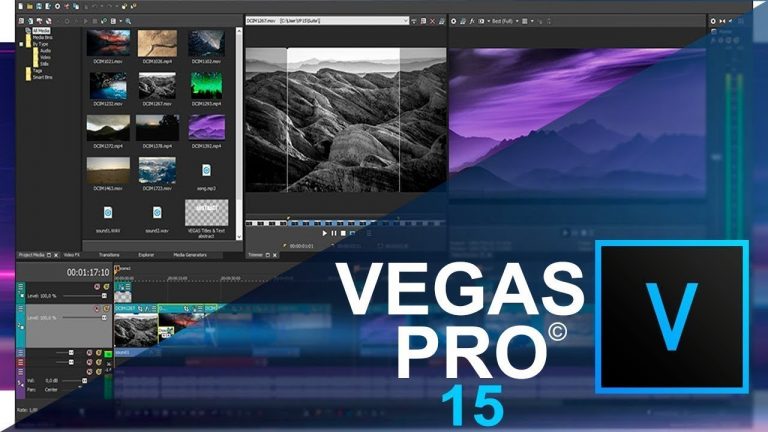
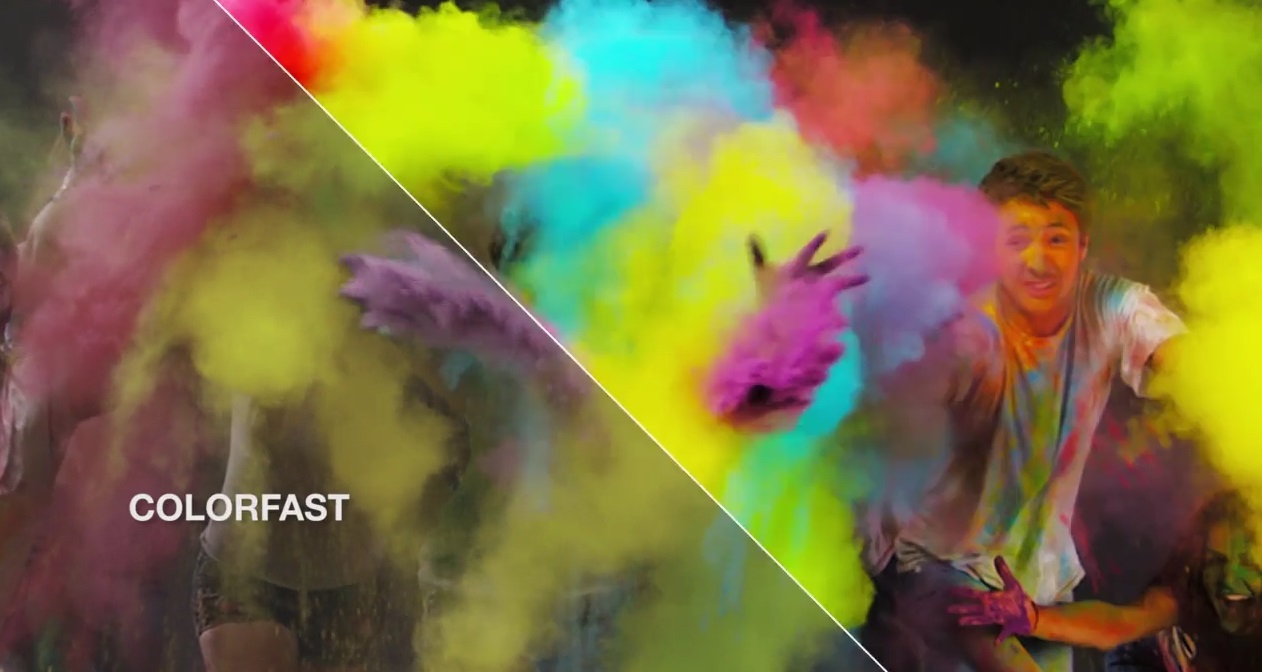
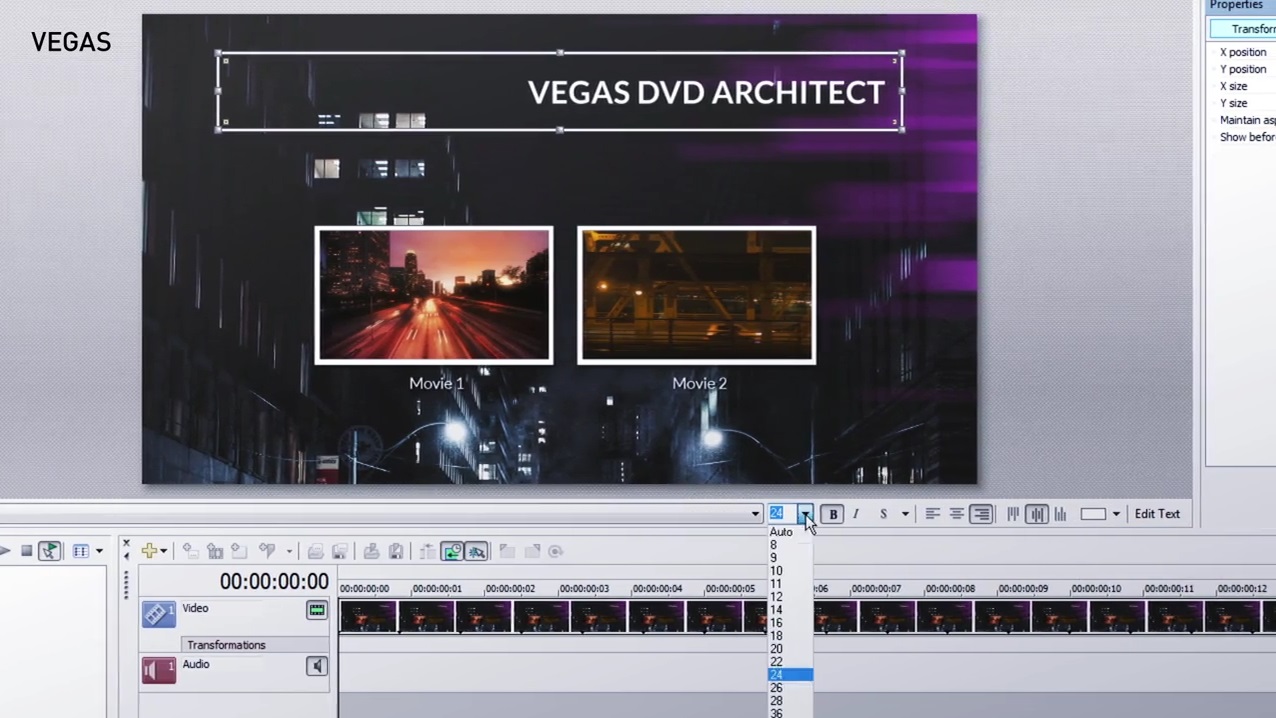
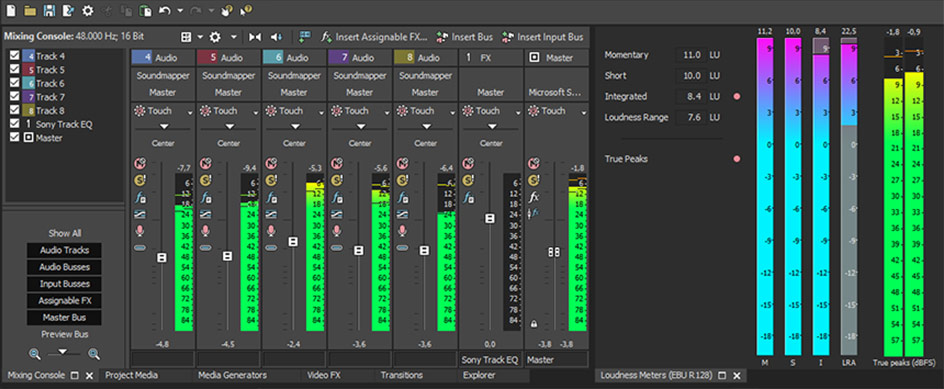
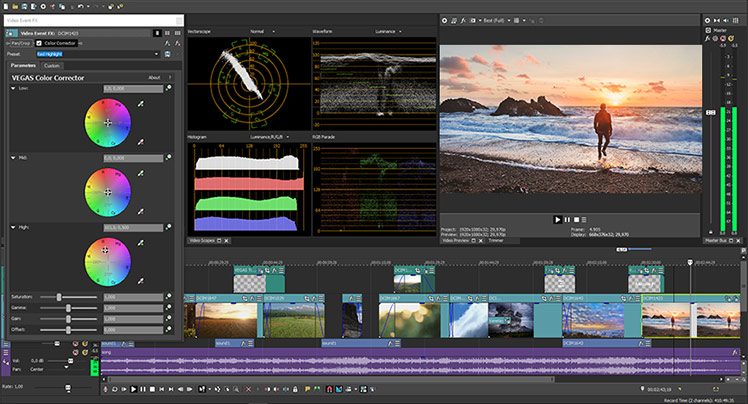
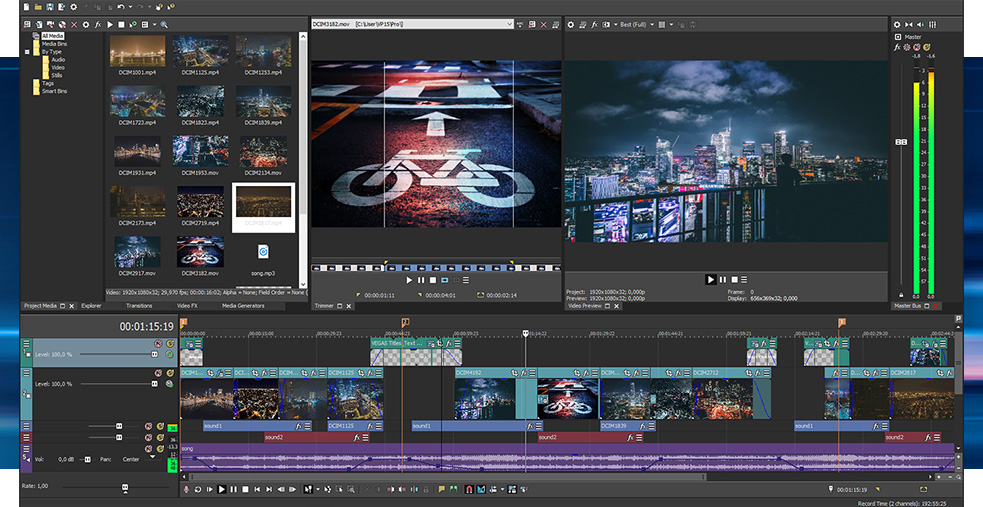
MAGIX Entertainment VEGAS Pro 15 is the standard VEGAS Pro 15 application, without any additional 3rd-party video enhancement packages nor VEGAS DVD Architect included. It’s ideal for you if you’re currently not interested in additional effects, touch-up tools, and the like. VEGAS Pro 15 Edit is Windows-compatible. VEGAS Pro 15 builds on the heritage of powerful and efficient operation, comprehensive video/audio workflow, and open timeline. VEGAS was one of the first NLEs to let you mix virtually all file types on the same timeline without transcoding them, and that’s still the case. Further contributing to the flexibility, version 15 adds a customizable user interface with many updates made to it, providing for a faster and more precise editing experience. VEGAS Pro 15 supports 4K resolution editing and delivery (up to 4096 x 2160), and offers stereoscopic 3D editing tools. Moreover, VEGAS employs powerful hardware acceleration technologies that take advantage of NVIDIA, AMD/ATI, and Intel graphics processing power (see Specs) to provide faster rendering of your edits. VEGAS also takes advantage of multicore and hyper-threading computer systems to maximize available hardware resources. By leveraging the full capabilities of the hardware and reducing direct CPU load, this ensures that more tracks and audio/video effects will be available for real-time preview, improved performance at lower latencies, and shorter audio render times. Other new features include easy to use picture-in-picture and crop OFX plug-ins. The first lets you position, resize, and animate picture-in-picture effects using real-time controls directly on the Preview window, enabling you to quickly create inset images. The crop plug-in allows you to zoom into a video or photo with the same real-time controls and to pan across and show different parts of it. VEGAS now also supports the ACES 1.0 Academy Color Encoding System, allowing you to take advantage of the modern color science and expanded color spaces of current cameras. It also features a LUT OFX plug-in that enables you to apply camera and stylistic LUTs to a media file, a single event, a track, or the entire project in order to achieve special color-grading effects and custom looks. VEGAS’s audio toolset, with features such as time-stretching, adjustable velocity envelopes, DAW bussing, and 5.1-channel mixing with film-style panning, in many cases is enough for even the most elaborate projects, ensuring you won’t have to export to a dedicated audio editor. You can record audio in a multitrack environment with input buses, professional metering, punch-in recording, unlimited tracks, and more. Automate your audio mixes with real-time envelope automation recording, join audio recordings with a variety of automatic crossfade types, and create mixes with assignable effects. Take advantage of high-resolution audio support and enjoy a large collection of audio effects. VEGAS Pro has always provided the tools for professional editing, and now, with the remodeled interface and other new features, VEGAS Pro 15 even more closely lives up to its reputation as an extensive, advanced, and intuitive all-in-one video/audio editing environment. New Features Modern window docking controls Configurable visible button sets UI background color options Adjustable button icon color strength Configurable timeline clip event headers Picture-in-picture OFX plug-in Crop OFX plug-in ACES 1.0 support LUT OFX plug-in Selectively paste event attributes Instant freeze frame creation Intel QSV support GPU hardware acceleration Other Features General Native Blu-ray and DVD disc burning from the timeline VEGAS Pro Connect support; mobile companion app Sony Wireless Adapter proxy-first workflow Interactive tutorials Comprehensive window docking options Customizable UI Savable and recallable window layouts Track grouping Application scripting Advanced project archiving Audio notification of completed render

Additional information

Genres

Software

Platform

Other

Languages

English, French, German, Spanish

Release date 2017-08-28
Regional limitations 3

Reviews

There are no reviews yet.

Be the first to review “SONY VEGAS Pro 15 Edit CD Key”

Your email address will not be published. Required fields are marked *

Windows
Requires a 64-bit processor and operating system OS: Windows 7 | 8 | 8.1 | 10 (64-bit) Processor: 2 GHz Memory: 4 GB RAM Graphics: Dedicated, at least 512 MB VRAM Storage: 1330 MB available space Sound Card: Multi-channel sound card recommended for surround sound editing
In order to activate the code please follow the instruction below: Go to this https://www.magix.com/int/support/my-service-center/product-downloads/ Enter your CD Key in the "Serial number" box and click "Proceed" Select the language version and click on Installation program to download the software

1 in stock

SONY VEGAS Pro 15 Edit CD Key

$229.07

Description

MAGIX Entertainment VEGAS Pro 15 is the standard VEGAS Pro 15 application, without any additional 3rd-party video enhancement packages nor VEGAS DVD Architect included. It’s ideal for you if you’re currently not interested in additional effects, touch-up tools, and the like. VEGAS Pro 15 Edit is Windows-compatible. VEGAS Pro 15 builds on the heritage of powerful and efficient operation, comprehensive video/audio workflow, and open timeline. VEGAS was one of the first NLEs to let you mix virtually all file types on the same timeline without transcoding them, and that’s still the case. Further contributing to the flexibility, version 15 adds a customizable user interface with many updates made to it, providing for a faster and more precise editing experience. VEGAS Pro 15 supports 4K resolution editing and delivery (up to 4096 x 2160), and offers stereoscopic 3D editing tools. Moreover, VEGAS employs powerful hardware acceleration technologies that take advantage of NVIDIA, AMD/ATI, and Intel graphics processing power (see Specs) to provide faster rendering of your edits. VEGAS also takes advantage of multicore and hyper-threading computer systems to maximize available hardware resources. By leveraging the full capabilities of the hardware and reducing direct CPU load, this ensures that more tracks and audio/video effects will be available for real-time preview, improved performance at lower latencies, and shorter audio render times. Other new features include easy to use picture-in-picture and crop OFX plug-ins. The first lets you position, resize, and animate picture-in-picture effects using real-time controls directly on the Preview window, enabling you to quickly create inset images. The crop plug-in allows you to zoom into a video or photo with the same real-time controls and to pan across and show different parts of it. VEGAS now also supports the ACES 1.0 Academy Color Encoding System, allowing you to take advantage of the modern color science and expanded color spaces of current cameras. It also features a LUT OFX plug-in that enables you to apply camera and stylistic LUTs to a media file, a single event, a track, or the entire project in order to achieve special color-grading effects and custom looks. VEGAS’s audio toolset, with features such as time-stretching, adjustable velocity envelopes, DAW bussing, and 5.1-channel mixing with film-style panning, in many cases is enough for even the most elaborate projects, ensuring you won’t have to export to a dedicated audio editor. You can record audio in a multitrack environment with input buses, professional metering, punch-in recording, unlimited tracks, and more. Automate your audio mixes with real-time envelope automation recording, join audio recordings with a variety of automatic crossfade types, and create mixes with assignable effects. Take advantage of high-resolution audio support and enjoy a large collection of audio effects. VEGAS Pro has always provided the tools for professional editing, and now, with the remodeled interface and other new features, VEGAS Pro 15 even more closely lives up to its reputation as an extensive, advanced, and intuitive all-in-one video/audio editing environment. New Features Modern window docking controls Configurable visible button sets UI background color options Adjustable button icon color strength Configurable timeline clip event headers Picture-in-picture OFX plug-in Crop OFX plug-in ACES 1.0 support LUT OFX plug-in Selectively paste event attributes Instant freeze frame creation Intel QSV support GPU hardware acceleration Other Features General Native Blu-ray and DVD disc burning from the timeline VEGAS Pro Connect support; mobile companion app Sony Wireless Adapter proxy-first workflow Interactive tutorials Comprehensive window docking options Customizable UI Savable and recallable window layouts Track grouping Application scripting Advanced project archiving Audio notification of completed render

Additional information

Genres

Software

Platform

Other

Languages

English, French, German, Spanish

Release date 2017-08-28
Regional limitations 3

Reviews

There are no reviews yet.

Be the first to review “SONY VEGAS Pro 15 Edit CD Key”

Your email address will not be published. Required fields are marked *

Windows
Requires a 64-bit processor and operating system OS: Windows 7 | 8 | 8.1 | 10 (64-bit) Processor: 2 GHz Memory: 4 GB RAM Graphics: Dedicated, at least 512 MB VRAM Storage: 1330 MB available space Sound Card: Multi-channel sound card recommended for surround sound editing
In order to activate the code please follow the instruction below: Go to this https://www.magix.com/int/support/my-service-center/product-downloads/ Enter your CD Key in the "Serial number" box and click "Proceed" Select the language version and click on Installation program to download the software

1 in stock

Championsu2019 Choice

Fan Favorites

Winning Zone

Championsu2019 Choice

NBA 2K23 Michael Jordan Edition

SPORT

EA SPORTS FC 25

SPORT

Fan Favorites

F1 24 Champions
Edition

SPORT

Rocket League

SPORT

Winning Zone

WWE 2K20

SPORT

WWE 2K22

SPORT